One system in two halves: the app on your counter and the back office behind it. Built for New Zealand retail and hospitality, from a single shop to a group of branches.
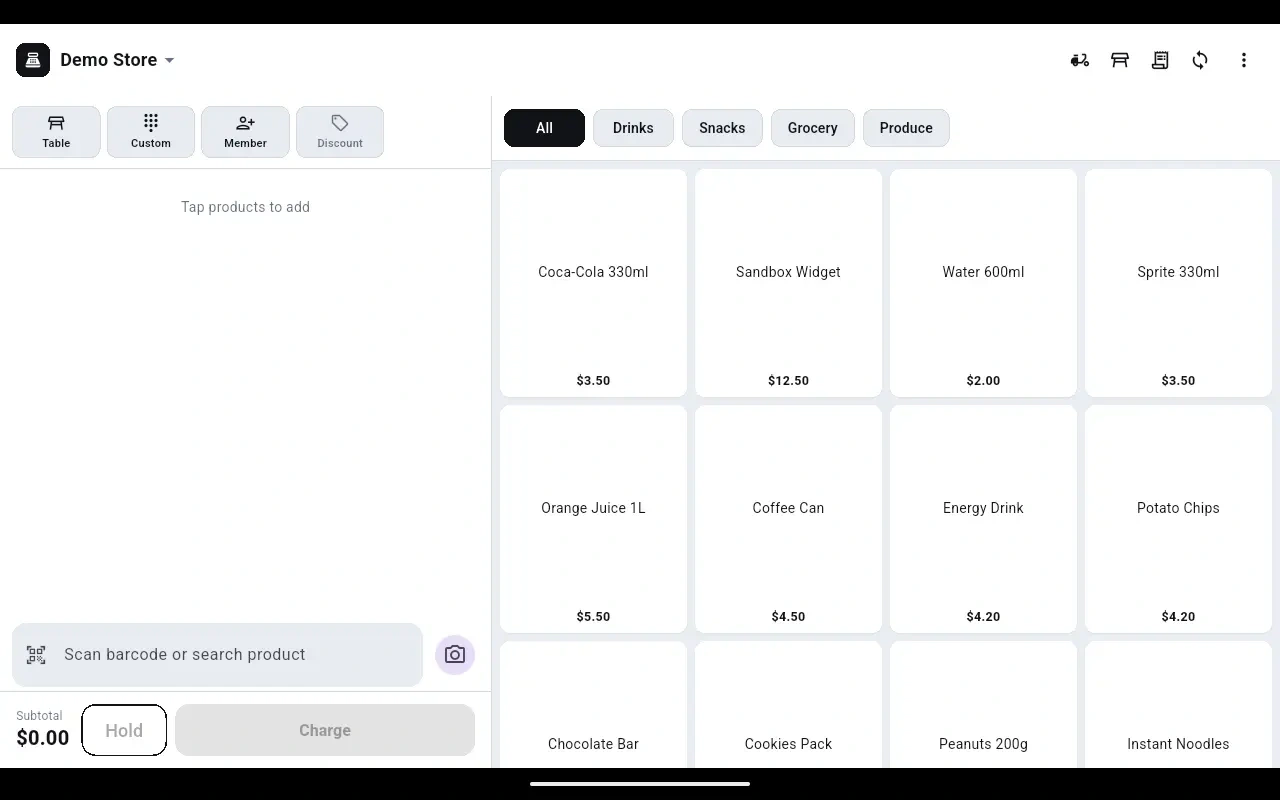
The app your staff use all day. Ring up a sale, run a table, take cash, card, wallets, gift cards or points, refund with a manager PIN, and cash up at close. It keeps selling when the internet does not.
Scan, search, weigh or key a custom amount
Table board, kitchen tickets and kitchen screens
Delivery and pickup orders in the same queue
Shift, Z report and staff clock
Offline selling is cash only and at shelf price; reconnect and sync pending sales.
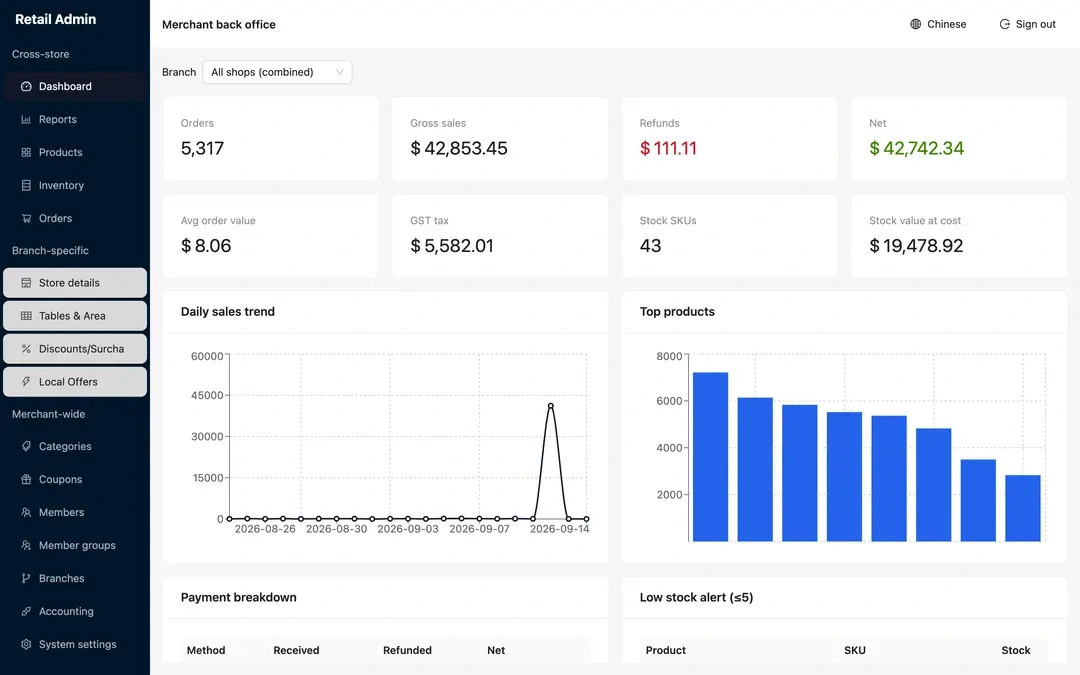
The back office you open from anywhere. Catalogue and stock, every order across every branch, members and their balances, promotions, and seven reports you can export.
One dashboard across all branches, or one at a time
Same catalogue, same members, same orders. What the counter does shows up in the back office, and what you change in the back office is on the counter without anyone reinstalling anything.
01
Set it up once
Products, prices, categories, tables, discounts and payment methods are set in the back office and appear on every till that belongs to that branch.
02
Sell on the floor
The register works the catalogue, the tables, the members and the card reader. Nothing at the counter needs a second system or a second login.
03
Read it back the same day
Sales, refunds, stock movements, shifts and margins land in the back office as they happen, and can go on to your accounting system by themselves.
SOFTWARE MEETS HARDWARE
Runs on the terminal we supply.
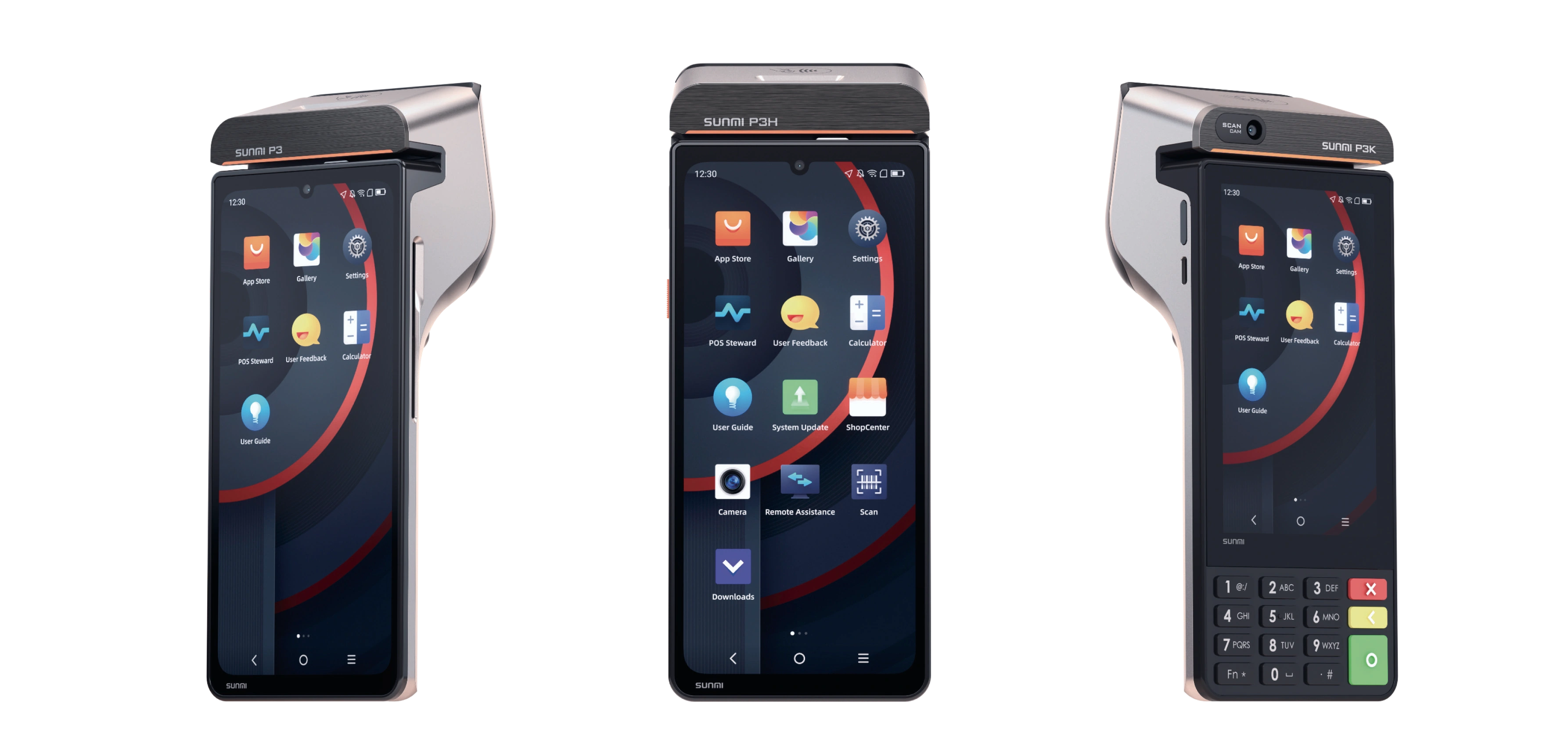
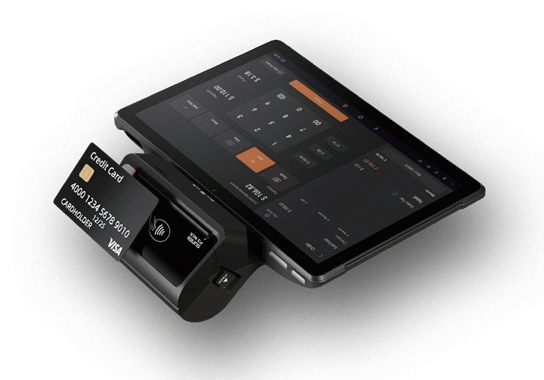
NexPOS Merchant ships on the Sunmi P3 handheld and the P3 MIX counter station, with CloudBridge acquiring behind it.