At the counter
Scan and search products, handle weighted items and custom amounts, and hold a sale while serving another customer.
Explore this partCloudBridge / BUSINESS SOLUTIONS
Explore practical combinations of NexPOS software, Nex hardware and payment connections for New Zealand retail and hospitality.
01 / Retail stores
Build sales by tile, barcode or product search. Attach members and discounts, then review catalogue, stock and orders in Merchant Admin.
Scan and search products, handle weighted items and custom amounts, and hold a sale while serving another customer.
Explore this partImport your catalogue, track stock movements and review sales and margins.
Explore this partCompare the P3 handheld and P3 MIX counter station supplied with NexPOS Merchant.
Explore this partHow many counters do you use? Do you scan barcodes, weigh items or manage stock across branches?
Discuss your requirements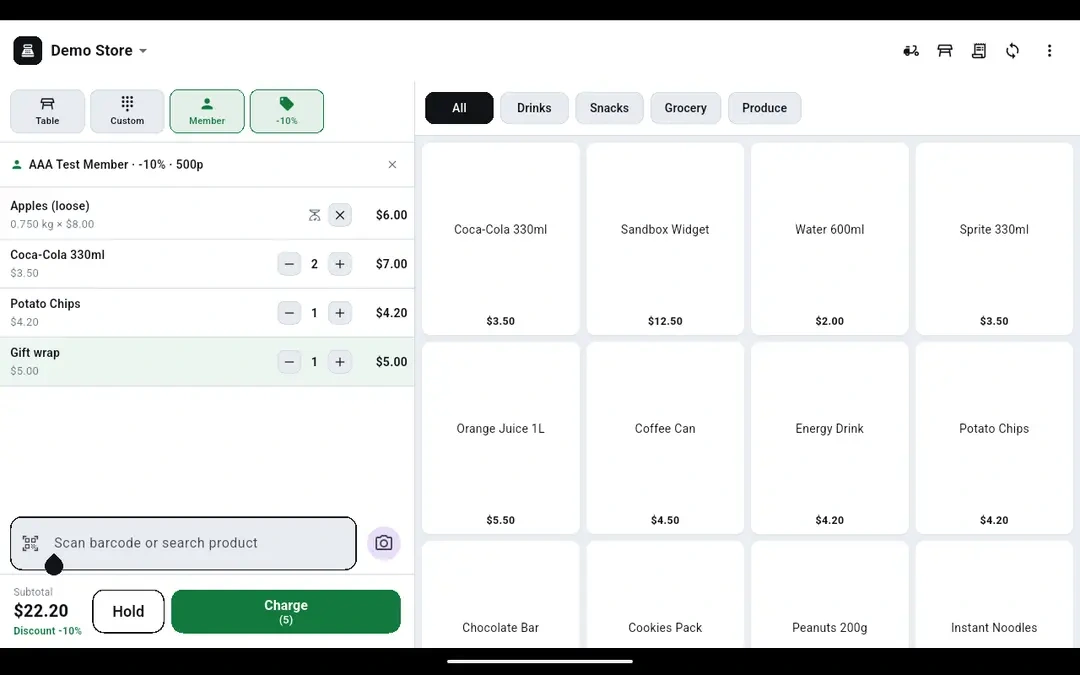
02 / Cafés & restaurants
Use a table board, save rounds to a tab, send kitchen tickets and follow orders on a kitchen display. Review the day’s activity in the back office.
Lay out tables and areas, add rounds and settle the whole tab at the till.
Explore this partExplore kitchen tickets and the network-connected kitchen display.
Explore this partConsider the P3 MIX counter station or P3 handheld around your service workflow.
Explore this partHow many tables and service areas do you have? Do you need kitchen tickets, a kitchen display or both?
Discuss your requirements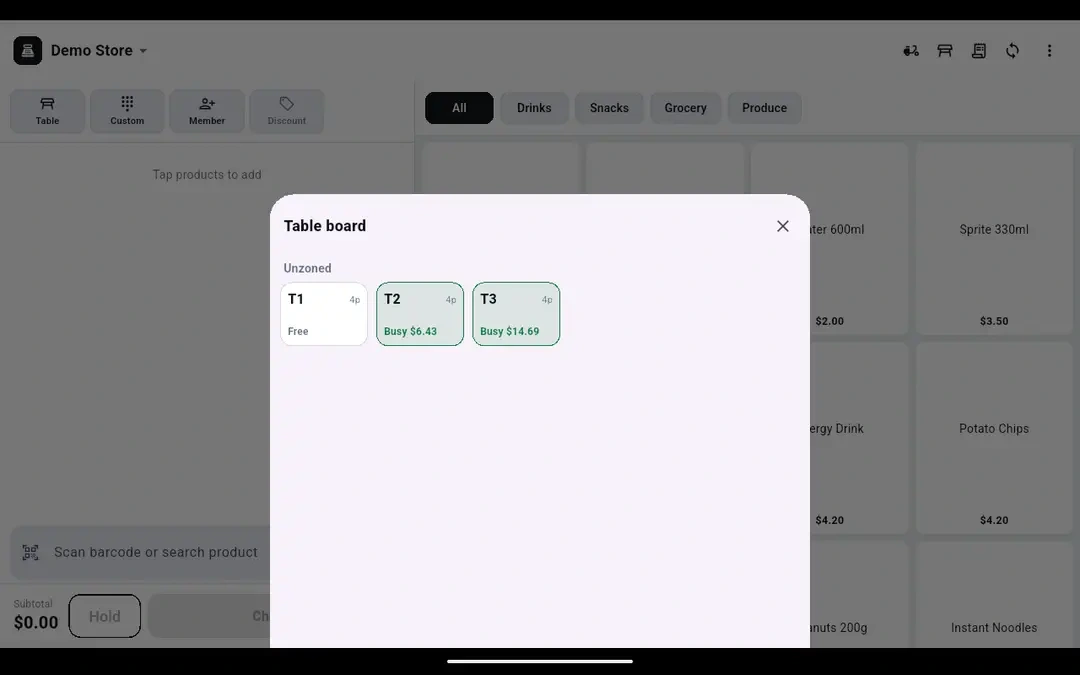
03 / Multiple branches
View a combined dashboard or one branch at a time. Manage products, member balances, orders and reports across your business.
Review order value, payment breakdown, sales trends and low-stock alerts by branch or together.
Explore this partSet up branch-scoped manager logins, tables, online stores and supplier lists.
Explore this partExplore Odoo posting, including per-order or combined daily invoices and integration status.
Explore this partHow many branches and tills are involved? Which catalogue, reporting and accounting workflows do you need to share?
Discuss your requirements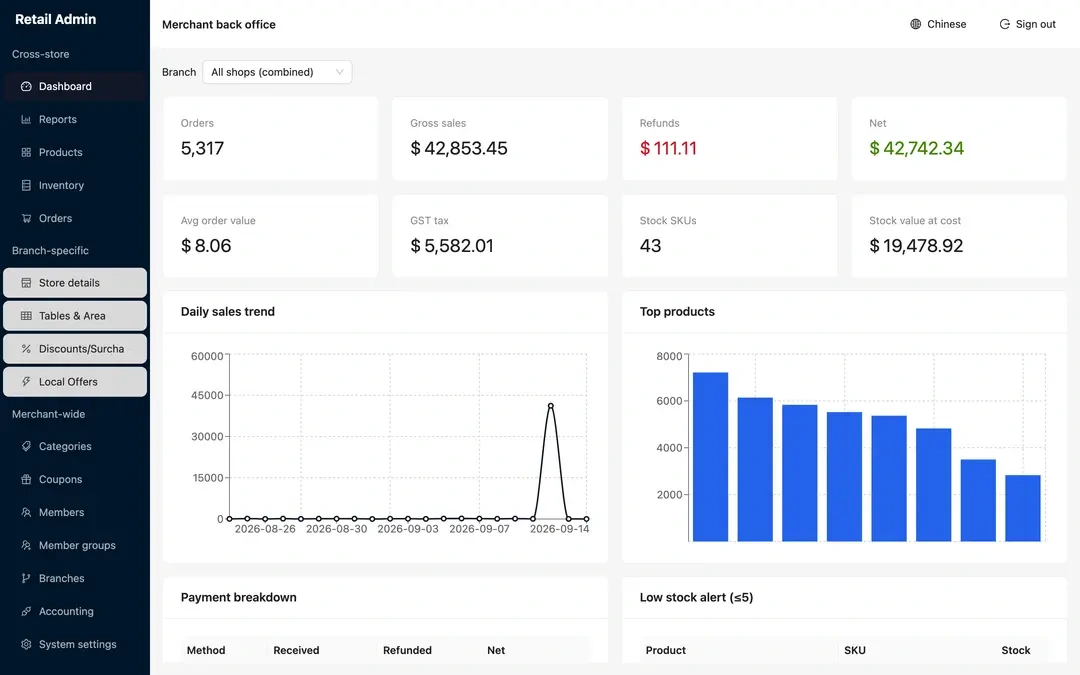
04 / Self-service setups
Explore NexPOS App’s self-order kiosk and take-a-number modes alongside interactive display options in the FLEX 3 family.
Customers browse the catalogue, build an order and pay on a configured terminal. A manager PIN controls leaving kiosk mode.
Explore this partA dedicated queue device can issue numbers and record party size, without ordering or payment on that device.
Explore this partExplore FLEX 3 in 15.6, 18.5, 22 and 27-inch sizes. Confirm app, mount and payment-device compatibility before choosing a setup.
Explore this partIs this an ordering kiosk, a queue station or a customer display? Which screen size, payment setup and mounting arrangement do you need?
Discuss your requirements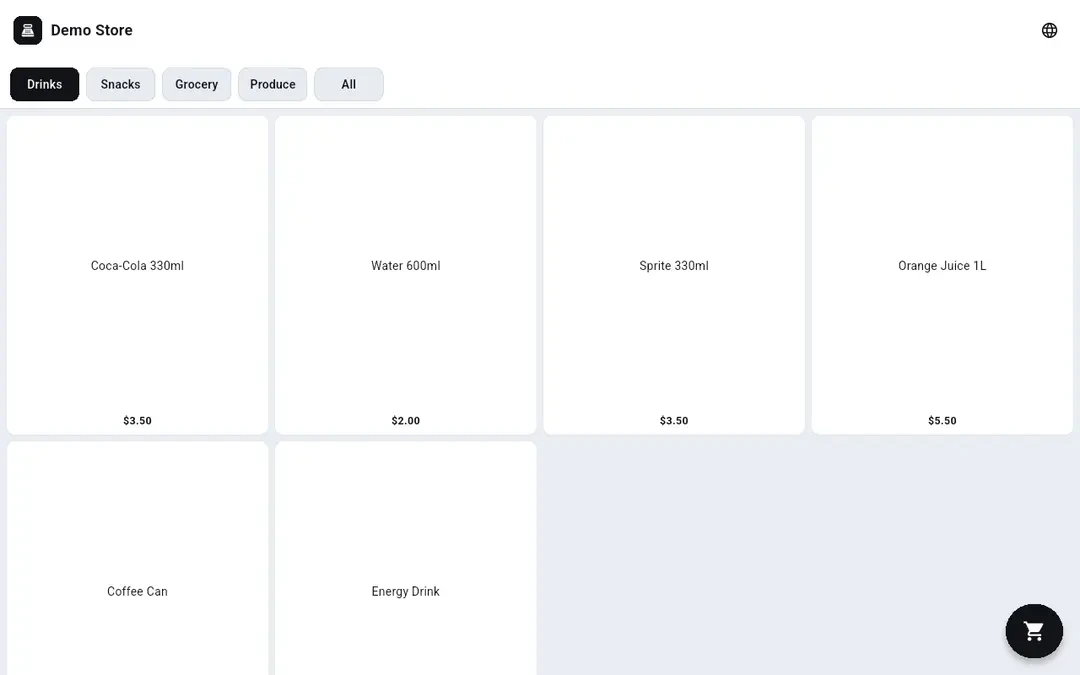
UNDERSTAND YOUR OPTIONS
Ask us to confirm the configuration and costs that apply to your business before committing.
Confirm the app, back-office access, number of branches and tills, and any subscription or setup charges.
Confirm model, screen size, stands, printers and accessories, plus purchase or rental options where available.
Confirm providers, accepted methods, applicable fees, settlement terms and any integration requirements.
Ask whether GST, installation, training, support and contract terms are included. Options and pricing need to be confirmed for your chosen setup.
Discuss your setup